It's Easy! The Complete Guide to Online Contracts

Even after deciding to apply, many people probably feel that a rental lease “sounds complicated” or “I’m worried I won’t be able to handle it properly.”
Until now, at Social Apartment, the contract process took about an hour in person, but it is now possible to sign the contract online. (*Note: Online contracts are not available for some properties.)
If you complete the online contract in advance, picking up your keys on the day you visit our office takes just about 5 minutes. This is a smooth and stress-free option for busy people or those who want to understand the process beforehand.
If you’re thinking, “I’ve heard about online contracts, but I don’t know what to do…,” don’t worry—this article has you covered. From reviewing your invoice to picking up your keys, we—Fukase and Inami, your contract specialists—will walk you through the entire process step by step. Let’s go through it together!
1) The Entire Process Is Completed Online
When you think of a rental lease, you might picture thick stacks of paperwork that require multiple stamp signatures. Many of you have probably found yourselves wondering, “Where did I put my personal seal?” while preparing to move.
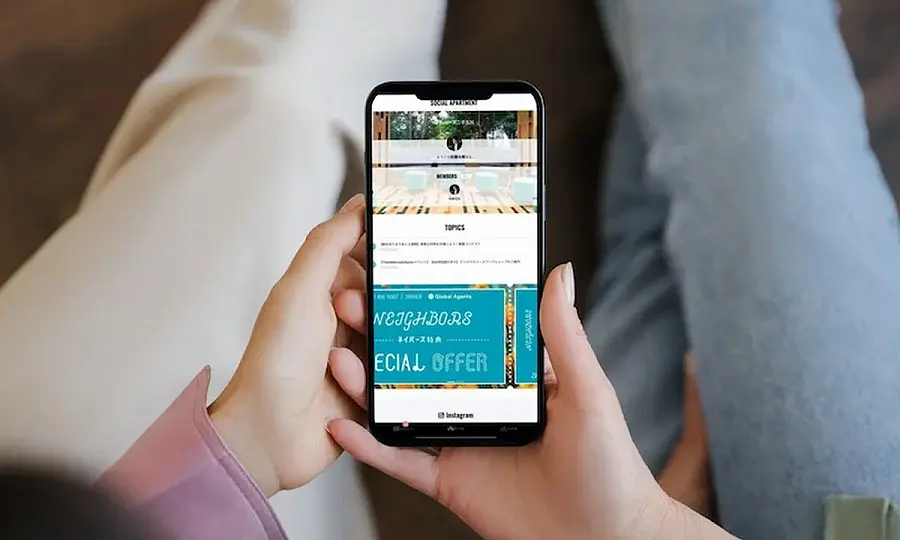
At Social Apartment, everything—from confirming your invoice to signing the lease and scheduling your key pickup—is handled entirely online. (*Excluding certain contracts.) No personal seal is required.
▶ Click here for the process from application to key pickup
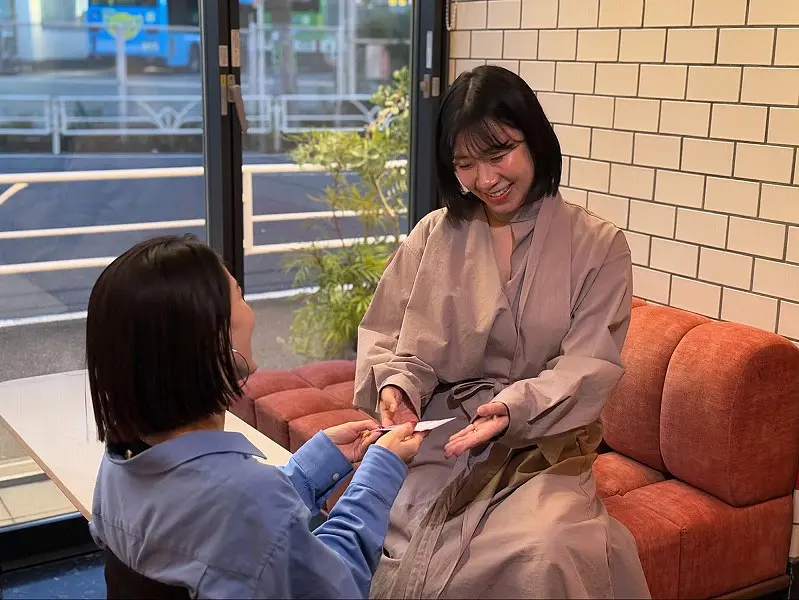
Whether you can’t set aside a block of time during the day or are arriving in Tokyo or Osaka on your move-in date, if you complete the procedures from home in advance, you’ll only need to visit our office to pick up your keys.
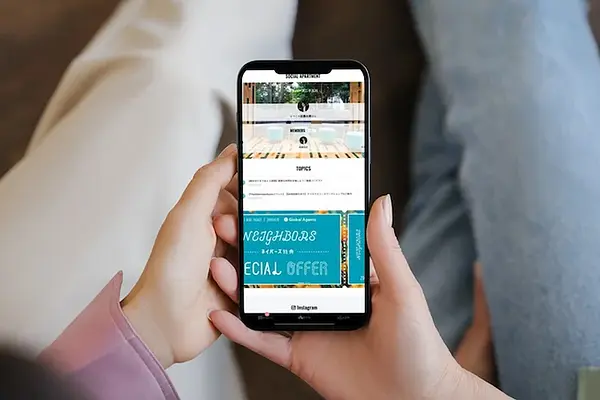
Click the “Proceed with Procedures” button on your My Page to get started right away!
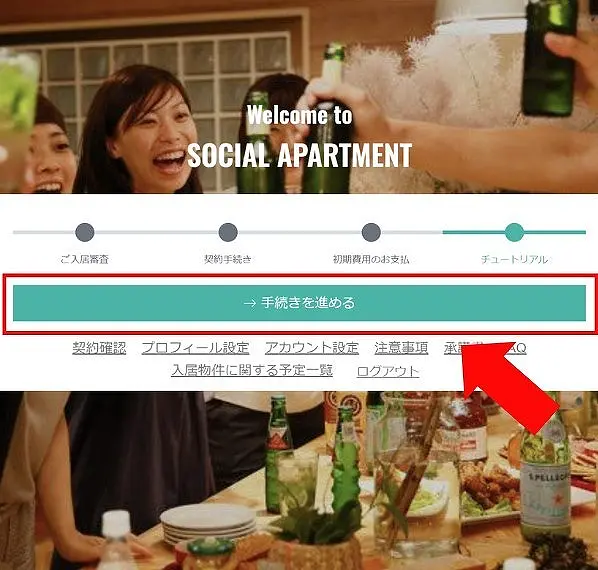
2) Just Follow These 3 Steps
Once the invoice is issued on your My Page, there are three steps you need to take:
① Review the initial fee invoice and pay by the due date
② Watch the tutorial video and sign the online contract
③ Schedule a visit to our office → Come to our office at the scheduled time to pick up your keys
*Please note: If you have not completed the preliminary steps in ① and ② prior to signing the contract, you will need to spend approximately one hour going through the process when you visit our office.
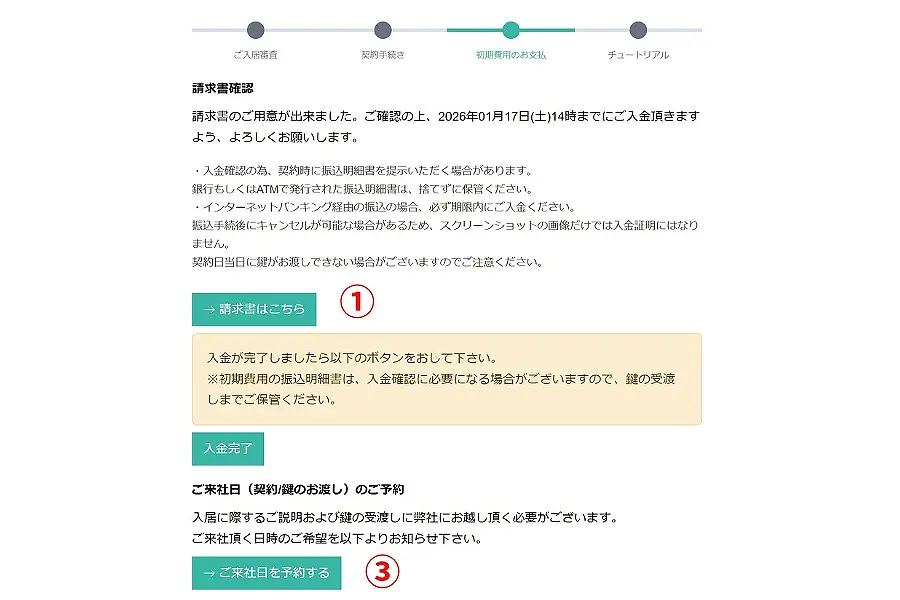
3) Time Required for Online Contract Signing and Important Notes
Of the three steps, the online contract process deserves special attention.
If you’re not familiar with rental contracts, the abundance of technical terms can make it difficult to identify what’s important. However, Social Apartment’s online contract process features videos that clearly explain the key points.
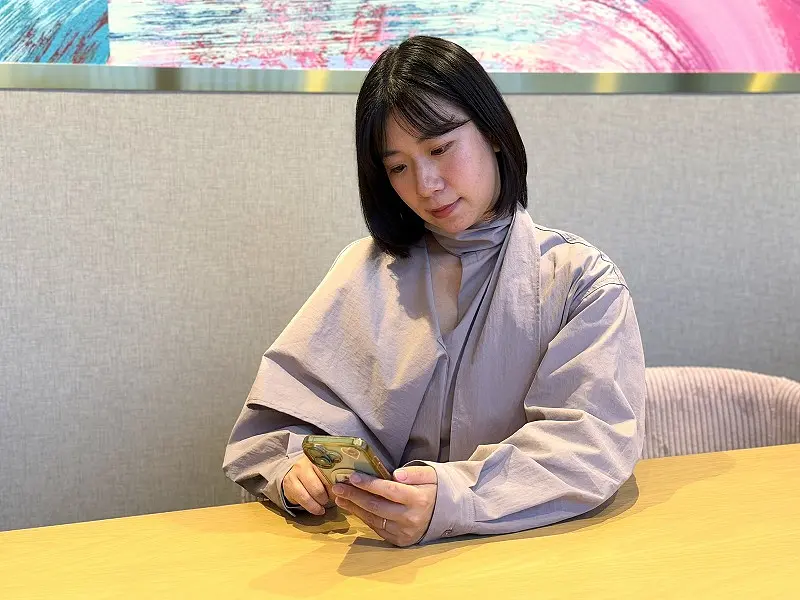
The process takes about 40 minutes. Please note that you cannot pause the video to resume later; if you stop it, you’ll have to start from the beginning. We recommend setting aside 1–2 hours to complete the entire process in one sitting.
Sample Video Explaining the Process
4) How to Complete the Online Lease
Now, let’s finally get to the main topic: how to complete the online lease agreement and the key points to keep in mind!
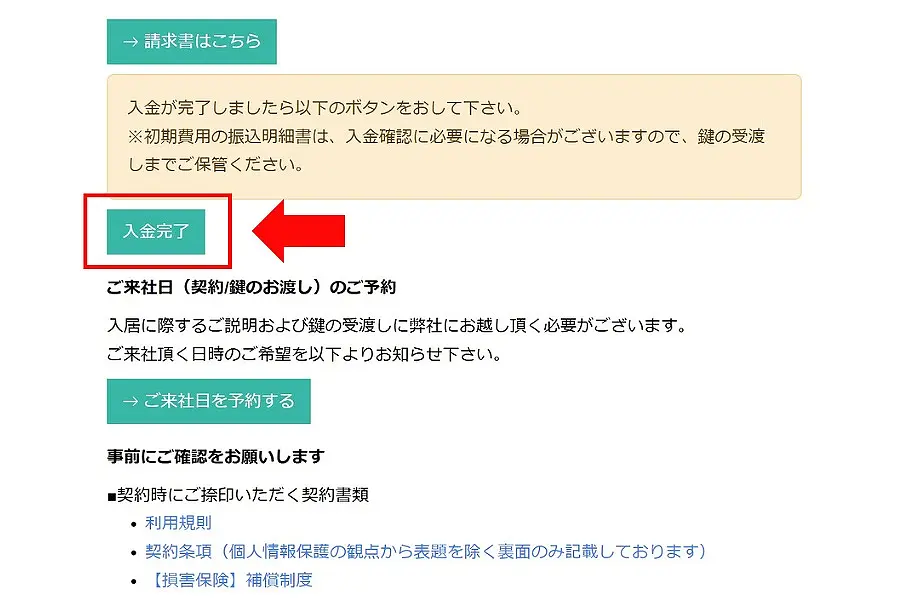
Once your initial payment has been processed, click the “Payment Complete” button to proceed to the online contract page. (The contract screen will not appear until payment is complete.)
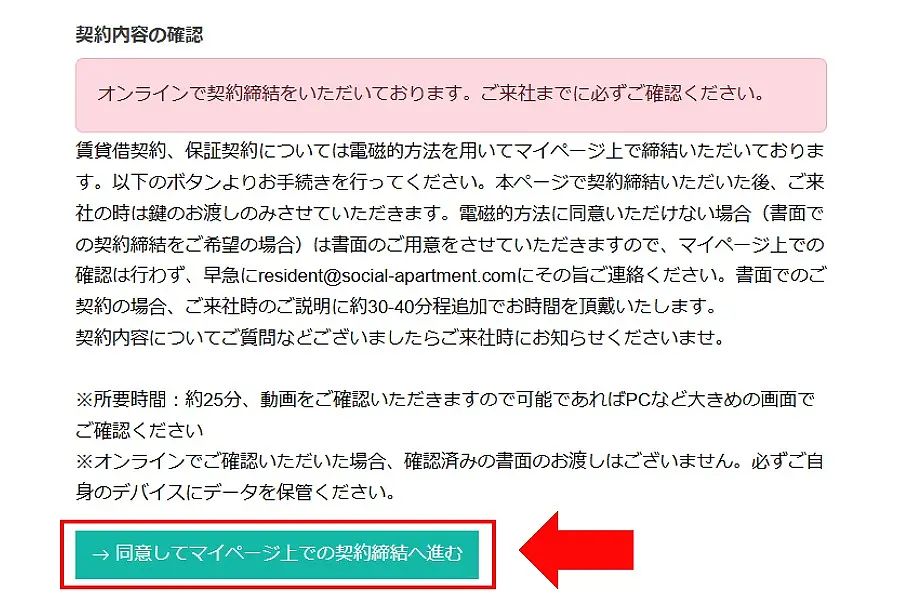
A confirmation screen asking, “Do you wish to sign the contract online?” will appear. Please review the details and select “Agree and Proceed to Sign the Contract on My Page.”
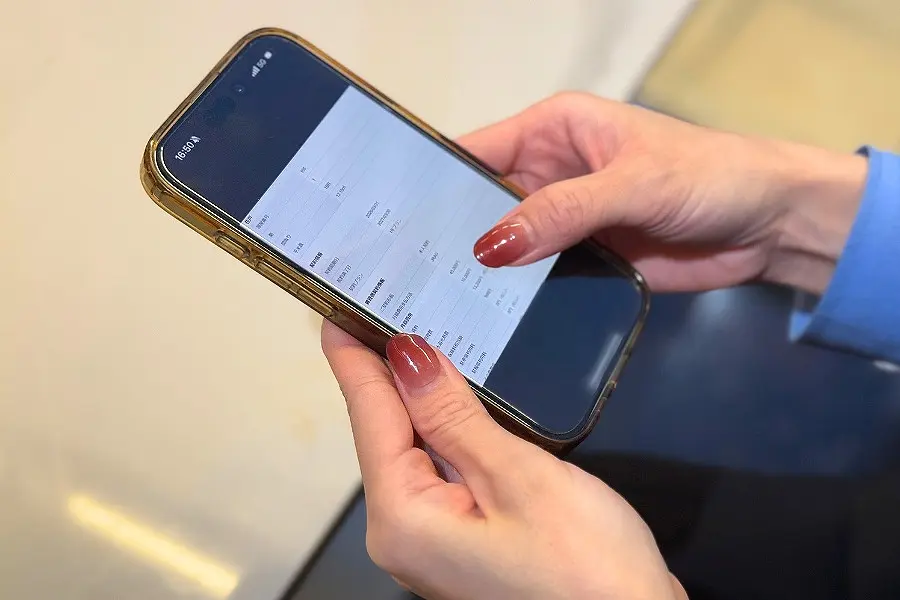
Step 1 | Final Review of Contract Details
On the next screen, you can review your contract details in PDF format. Be sure to check the following items especially carefully:
・Your name
・Room Number
・Contract Start Date
・Contract Plan Name
・Penalty fee for special provisions
・Name of Joint Guarantor (if applicable)
If there are any errors, please do not agree and be sure to contact us. If everything is correct, proceed to the next screen to start the video explaining the contract details.
Step 2 | Download the Contract
If you have no issues with the contents, download the contract PDF. This serves as your “copy for your records,” so please be sure to keep it until you move out.
*You cannot proceed to the next step without downloading the document.
*Clicking the “Back” button will mark your progress as unconfirmed, so please do not close the tab until the contract is finalized; continue as is.
Step 3 | Review Key Points of the Contract via Video
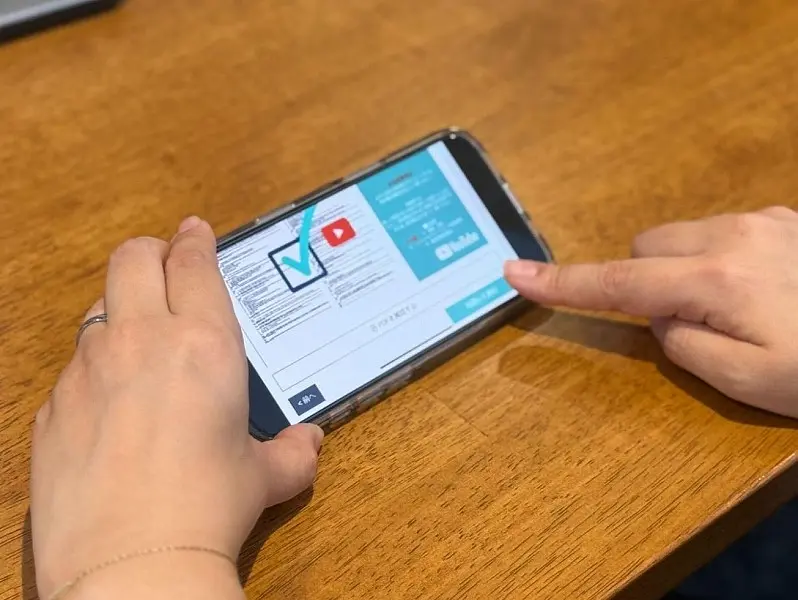
We’ll explain the key points of the contract in a video. Please watch the video while referring to your own PDF copy of the contract.
If you have a tablet or computer, we recommend viewing it on a larger screen for better clarity!
If you’re using a smartphone, please turn it sideways to view the content.
Proceed to review and download the documents starting with the Fixed-Term Building Lease Agreement. Once you’ve completed the process up to the copy of the guarantee company contract, the online contract process is complete.
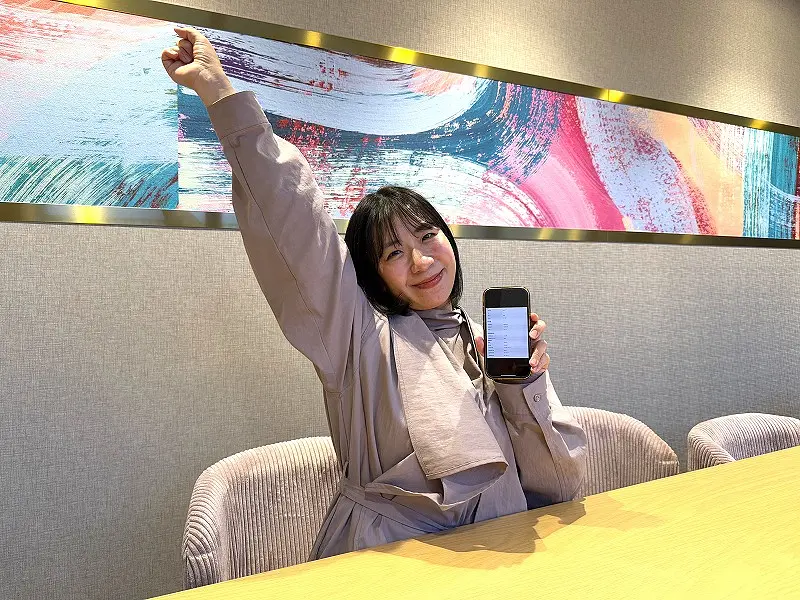
Yay! I did it!
5) Register Your Rent Payment Account Last
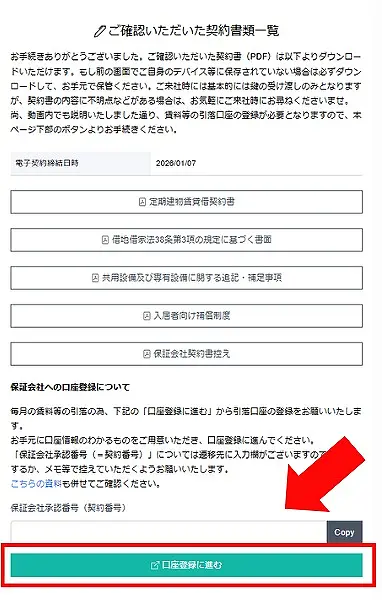
After completing the online contract, you can register your bank account for rent deductions by clicking the “Proceed to Account Registration” button. You can still pick up your keys even if you don’t have an account set up on the same day, but please be sure to register it once you’ve opened the account.
*Please be aware that if you forget to register your account and miss the payment deadline, late fees will apply.
6) That’s it! All that’s left is to pick up your keys
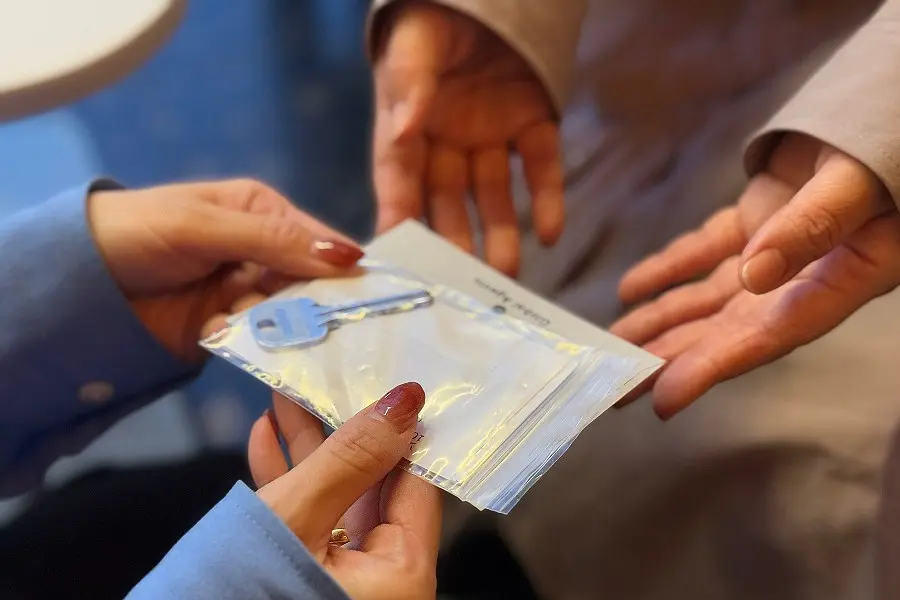
Once you’ve completed the online contract, all that’s left is to visit our office to pick up your keys. It takes about 5 minutes.
We look forward to seeing you at our office.
*For properties in the Kanto region, please visit our headquarters (Shibuya Office); for properties in the Kansai region, please visit our Kansai Office (Osaka/Sakaisuji-Honmachi).
If there’s anything you’re unsure about, please feel free to contact us.
We’re waiting for you. All set!

(Text by Fukase, Photo by Shoji)














![[Neighbors Rooms] Peek Inside the Trendiest Rooms – Photo Contest Winners Revealed!](https://sa-site-production-strg.s3.ap-northeast-1.amazonaws.com/e99nv4m3rl1kbx05xxzmoox8woam)




!["沖縄で交流しながらリモートワーク"SOCIAL WORKATIONの1日の過ごし方 [体験レポート]](https://sa-site-production-strg.s3.ap-northeast-1.amazonaws.com/y0wls3e6k4s9dj2uu62xeeeomld8)
![【徹底解説】"沖縄で交流しながらリモートワーク”SOCIAL WORKATIONに行ってみた [体験レポート]](https://sa-site-production-strg.s3.ap-northeast-1.amazonaws.com/vzowl7m6q3fnehprro4xr6x93x5s)


![[New Property: NEIGHBORS YOKOHAMA TSURUMI] 1st Pre-Opening Tour](https://sa-site-production-strg.s3.ap-northeast-1.amazonaws.com/1jslzzmsoujaiqo4hoo77em5alnn)